

Remote Network Setup & Support Service
Let’s discuss the essential role of Remote Network Setup and Support Service within a business environment. As companies aim for peak operations and seamless connectivity, having a reliable network setup becomes indispensable.
We all know the importance of robust initial configurations, effective troubleshooting, and stringent security measures. But what specific tools and strategies can guarantee our network performs at its best? And how do we choose the right service provider to align with our organizational goals? These questions are vital for maintaining a resilient and high-performing infrastructure, and we’re about to explore them.
Importance of Remote Network Setup
Guaranteeing a robust and efficient remote network setup is critical for maintaining seamless business operations and data integrity.
As we embrace the digital transformation, the importance of a well-designed remote network setup cannot be overstated. It serves as the backbone for our operations, enabling us to achieve significant cost savings and time efficiency.
By implementing a sophisticated remote network infrastructure, we can considerably reduce overhead costs related to physical office space, equipment, and maintenance. This not only optimizes our budget but also allows us to allocate resources more effectively to areas that drive innovation and growth. Additionally, remote network setups streamline processes, enhancing our team’s productivity by minimizing downtime and improving accessibility to critical resources.
Time efficiency is another pivotal advantage. With a remote network, we can swiftly deploy and manage updates, troubleshoot issues, and ensure that our systems are always up-to-date without the need for on-site interventions. This agility translates into faster response times and uninterrupted service.
Key Benefits of Remote Support
Scalability is a significant factor. Remote support solutions can easily adjust to varying business needs, whether scaling up during peak times or scaling down during quieter periods, providing unmatched flexibility and efficiency.
As we explore the key benefits of remote support, it’s important to acknowledge how this approach enhances operational efficiency, reduces downtime, and provides scalable solutions for businesses of all sizes. By leveraging remote support, we can offer immediate assistance, eliminating the need for on-site visits and thereby greatly reducing response times. This leads directly to minimized downtime, allowing our IT infrastructure to remain robust and reliable.
One of the most compelling advantages is cost savings. By eliminating travel expenses and reducing the need for physical office space, businesses can allocate resources more efficiently. Additionally, remote support enables us to maintain smaller, more efficient IT teams without sacrificing service quality.
Another critical benefit is the enhancement of employee training. Remote support tools allow us to offer real-time guidance and troubleshooting, ensuring that our team members are continually up-to-date with the latest technologies and best practices. This ongoing training helps maintain a high level of expertise within the organization, fostering innovation and adaptability.
Initial Network Configuration
Setting up the initial network configuration demands a meticulous approach to guarantee all devices and systems are seamlessly integrated and securely connected. First, we need to determine the network topology, which dictates how our network’s layout will be structured. We can opt for various topologies such as star, bus, or mesh, each with its unique benefits and drawbacks. Once the topology is set, we move on to IP allocation. Assigning IP addresses accurately is important to avoid conflicts and ensure smooth communication between devices.
Next, we’ll configure our routers and switches according to the chosen topology. This involves setting up routing tables, VLANs, and ensuring Quality of Service (QoS) settings are in place. Proper configuration here reduces latency and enhances network performance.
Below is a summary of the initial configuration steps:
| Step | Description |
|---|---|
| Network Topology | Choose and design the network layout |
| IP Allocation | Assign IP addresses to all devices |
| Router Configuration | Set up routing tables and VLANs |
| QoS Settings | Guarantee Quality of Service for critical applications |
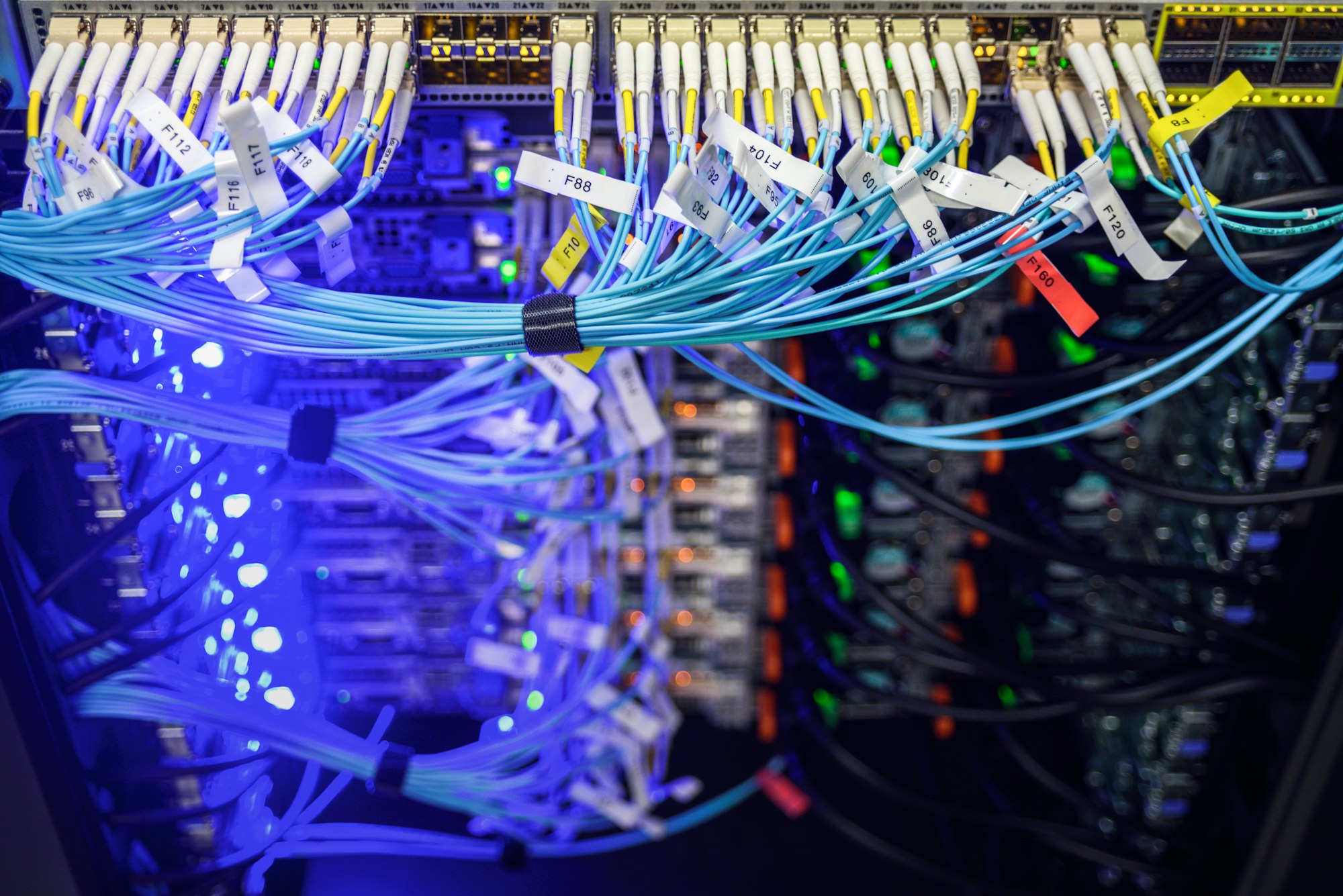
First, a robust Network Management System (NMS) is essential. An NMS like SolarWinds or PRTG Network Monitor helps us track network performance, detect anomalies, and optimize resource allocation.
For equipment compatibility, our toolkit should include software that supports multiple vendors and protocols. Tools like Wireshark allow us to analyze network traffic in real-time, ensuring our devices communicate seamlessly. Network configuration managers such as Cisco Prime or NetBrain facilitate centralized control over diverse equipment, reducing manual errors and enhancing efficiency.
Remote access tools are also critical. Secure Shell (SSH) and Virtual Private Network (VPN) solutions like OpenVPN enable us to securely connect to and manage remote devices. Additionally, monitoring tools like Zabbix ensure we can proactively identify and address potential issues before they escalate.
Lastly, cloud-based solutions such as AWS CloudWatch provide scalable monitoring and management capabilities, adapting to the dynamic needs of modern networks. By leveraging these tools, we guarantee our remote network setup is both resilient and adaptable, driving innovation and performance.
Troubleshooting Common Issues
Encountering network issues is inevitable, but a structured approach to troubleshooting can efficiently pinpoint and resolve the most common problems. First, we need to verify the firewall settings. Often, misconfigured firewalls can block essential network traffic, affecting connectivity. We should confirm that the firewall rules are correctly set to allow appropriate traffic and restrict unauthorized access.
Next, let’s address device compatibility. In our increasingly diverse network environments, making sure that all devices—be it routers, switches, or end-user devices—are compatible is vital. Firmware and driver updates can resolve many compatibility issues. It’s important to keep all network devices up-to-date with the latest software versions.
We must also perform a thorough diagnostic of the network architecture. This involves checking for any hardware malfunctions or cable issues that could be causing disruptions. Network monitoring tools can provide real-time data, helping us identify bottlenecks or points of failure.

Security Measures for Remote Networks
Ensuring the security of remote networks requires a multi-layered approach that encompasses both proactive and critical measures to safeguard against potential threats. At the core of our strategy is meticulous firewall configuration. Firewalls act as the first line of defense, filtering incoming and outgoing traffic based on predefined security rules. We need to constantly update these rules to adapt to emerging threats and guarantee that only legitimate traffic is allowed.
Another vital component is VPN implementation. Virtual Private Networks (VPNs) create secure, encrypted tunnels between remote devices and the central network. This encryption prevents unauthorized access and data interception, maintaining the confidentiality and integrity of communications. We should choose robust VPN protocols, such as OpenVPN or IKEv2, to provide the highest level of security.
Additionally, regular security audits and vulnerability assessments are essential. These help us identify weaknesses and potential entry points for attackers. Implementing multi-factor authentication (MFA) adds an extra layer of security, ensuring that even if credentials are compromised, unauthorized access is still prevented.
To achieve this, we need to explore key areas such as bandwidth management and latency reduction. By strategically managing these aspects, we can make sure that our network not only meets security standards but also performs at its peak.
First, effective bandwidth management is essential. It involves monitoring and allocating bandwidth to ensure critical applications receive the necessary resources. This prevents network congestion and enhances overall performance.
Second, reducing latency is vital for a responsive network. Latency can be minimized by optimizing routing paths and using advanced technologies like Quality of Service (QoS) configurations. This ensures data packets travel through the most efficient routes, reducing delays.
Lastly, continuous performance monitoring allows us to identify bottlenecks and address them promptly. Utilizing analytics tools can provide real-time insights into network health, enabling proactive adjustments.
- Bandwidth management to allocate resources efficiently
- Latency reduction through optimized routing and QoS
- Continuous performance monitoring using analytics tools
Choosing a Remote Support Provider
Selecting the right remote support provider requires an analytical approach to evaluating their technical capabilities, responsiveness, and alignment with our organizational needs.
To start, we need to scrutinize provider credentials. This involves verifying certifications, industry standards compliance, and expertise in handling complex network environments. Analyzing these credentials gives us confidence in their technical prowess and guarantees they can meet our specific requirements.
Next, we should examine service reliability. A reliable provider will offer consistent, high-quality support with minimal downtime. We need to assess their response times, availability of emergency support, and the robustness of their troubleshooting processes. Detailed Service Level Agreements (SLAs) can provide a clear picture of their commitment to service reliability.
Additionally, it’s essential to contemplate how well the provider’s services align with our organizational goals. This means evaluating their understanding of our industry and their ability to offer scalable solutions that grow with us. We must also investigate client testimonials and case studies to gauge their real-world performance and client satisfaction.
